Android players, the wait is over. Smashpoint is now available on the Google Play Store, and it’s the complete app: everything you can do on iPhone, you can now do on Android.
Everything, not a lite version
We didn’t ship a stripped-down Android build to check a box. The Google Play version has the same five levels of live match tracking, from quick games-only scoring to full point-by-point detail with serve, rally and shot outcome. It has the same insights: ELO ratings, head-to-head records, momentum and pressure charts, and the shot quality breakdowns that show you what actually decided a match. It has the same saved match pages with the same Info, Analysis, Patterns, Stats and History tabs, so a match you tracked on Android looks identical when your doubles partner opens it on iPhone or on the web.

Opt-in live broadcasting and shareable public match URLs work the same way too. Track a match courtside, and friends and family can follow along from any browser. And, as always, your data is private by default. Nothing is shared unless you choose to share it.
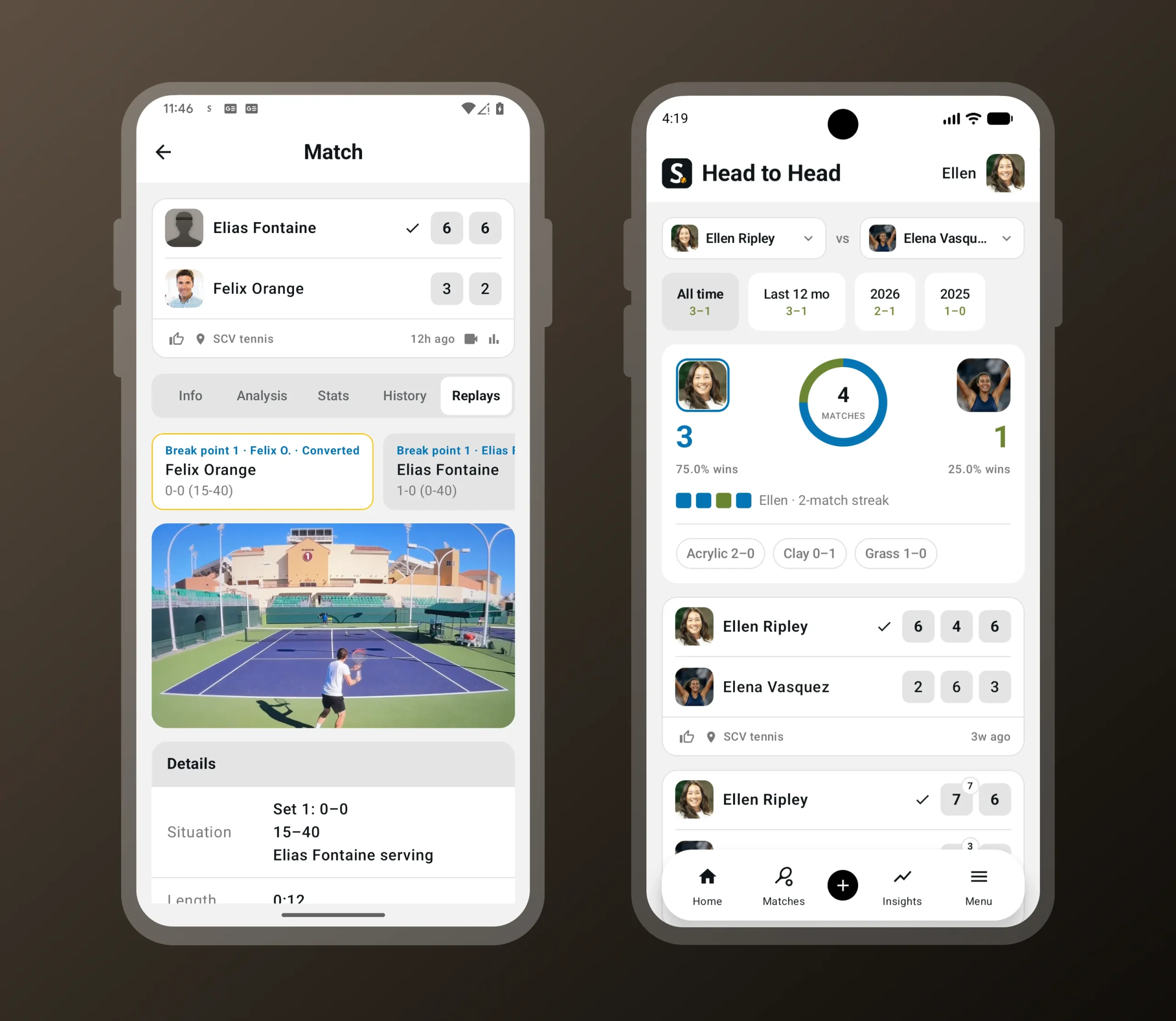
When you’re tracking a match live and a critical point comes up, Smashpoint prompts you to record the next point. Break point, set point, match point: you choose which moments trigger the prompt, so you can capture only the biggest points or every swing in momentum. Hold up your phone, tap record, enter the outcome as usual, and the clip is saved with the match. No switching apps, no scrolling through your camera roll later trying to find the moment. Replays live in a new Replays tab on the saved match page and are linked directly to the point they belong to in the match history, so you can jump from “break point converted in the second set” straight to the footage.
Video replay of a critical point in the Smashpoint Android app
Record the next point when a break, set or match point comes up. Replays are saved with the match.
New: video replay at critical points
This release also introduces something new to Smashpoint on every platform: video replay.
Replays follow the same privacy rules as everything else in Smashpoint. Video is never shown on public match pages. Clips are only visible inside Smashpoint to you and the friends you’re connected with, and the recorder controls who those people are.
Video replay is available on Android and iOS today, with playback on the web app and on Apple TV.
One platform, every screen
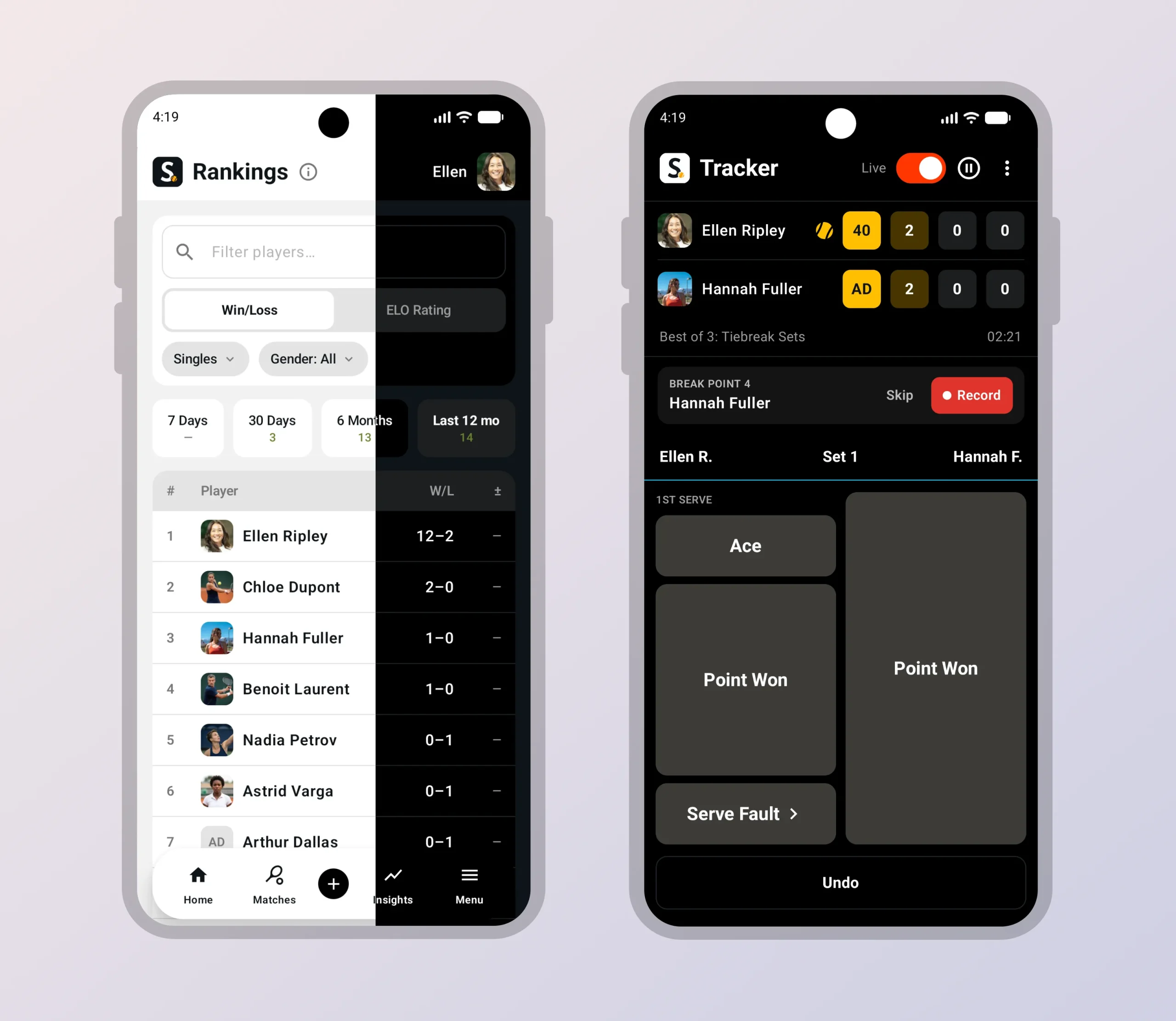
With Android on board, Smashpoint is now a complete platform:
Track a match on your watch, review it on your tablet, share it from your phone, study the patterns on your laptop, and watch the replay on the big screen. Every app talks to the same account and the same data, so nothing is stranded on one device.
That matters because Smashpoint isn’t built for one kind of user. Individual players use it to track their own matches and watch their game improve. Parents use it to record a child’s matches, including opponents who don’t have an account. Coaches use it to run practice sessions, compare players and spot what to work on next. Schools, clubs and federations use Smashpoint Organizations to manage rosters, ladders, tournaments and rankings across an entire program. Until now, an Android player on a team meant a gap in the picture. Not anymore.
Get Smashpoint on Google Play
Smashpoint for Android is free to download on Google Play. If you already have a Smashpoint account, just sign in and everything you’ve tracked will be there. If you’re new, you can sign up in the app with Google or with your email.
Have an Android-specific request or found something that doesn’t feel right? Tell us. This is version one on a new platform, and the fastest way for it to get better is hearing from the people using it.
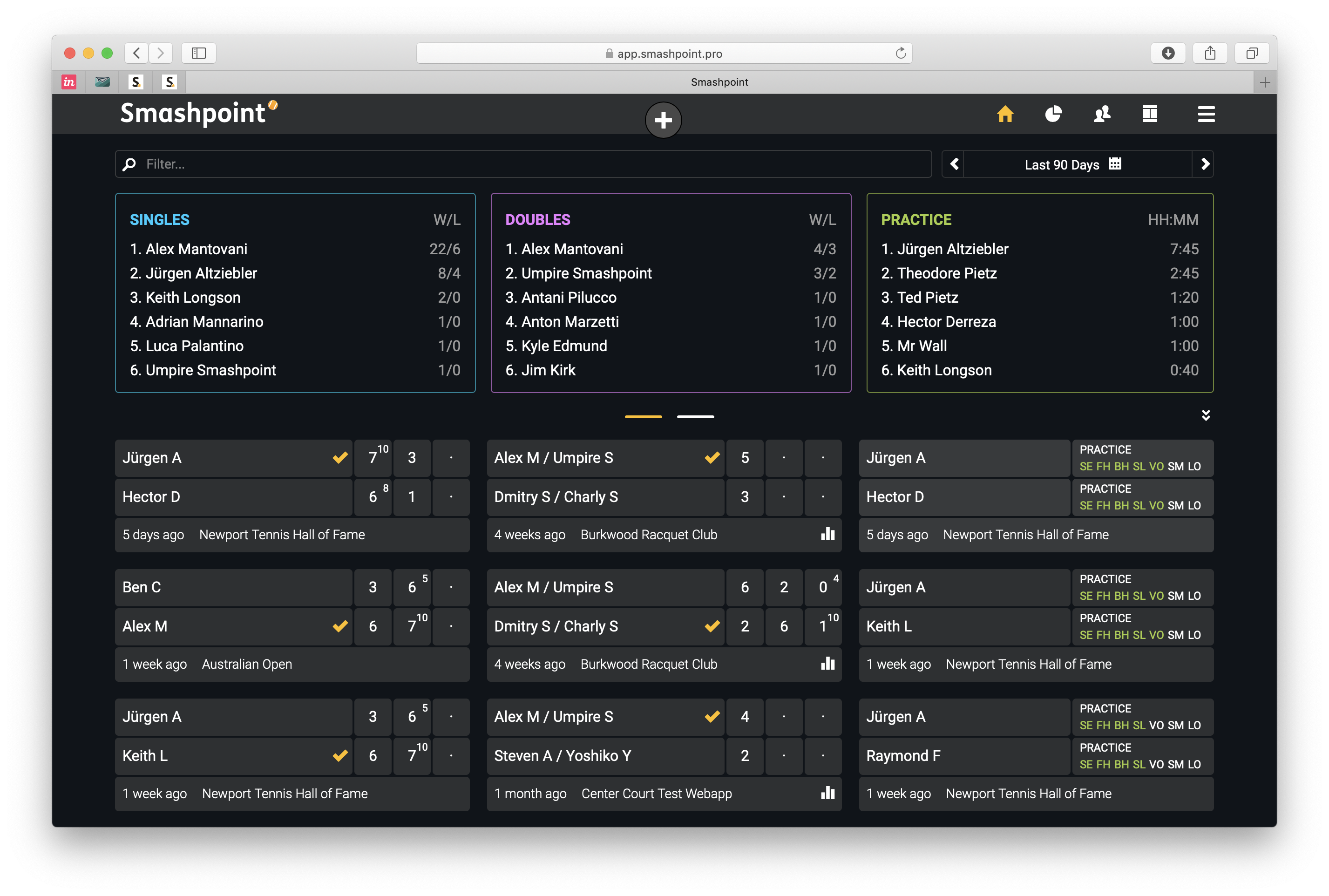
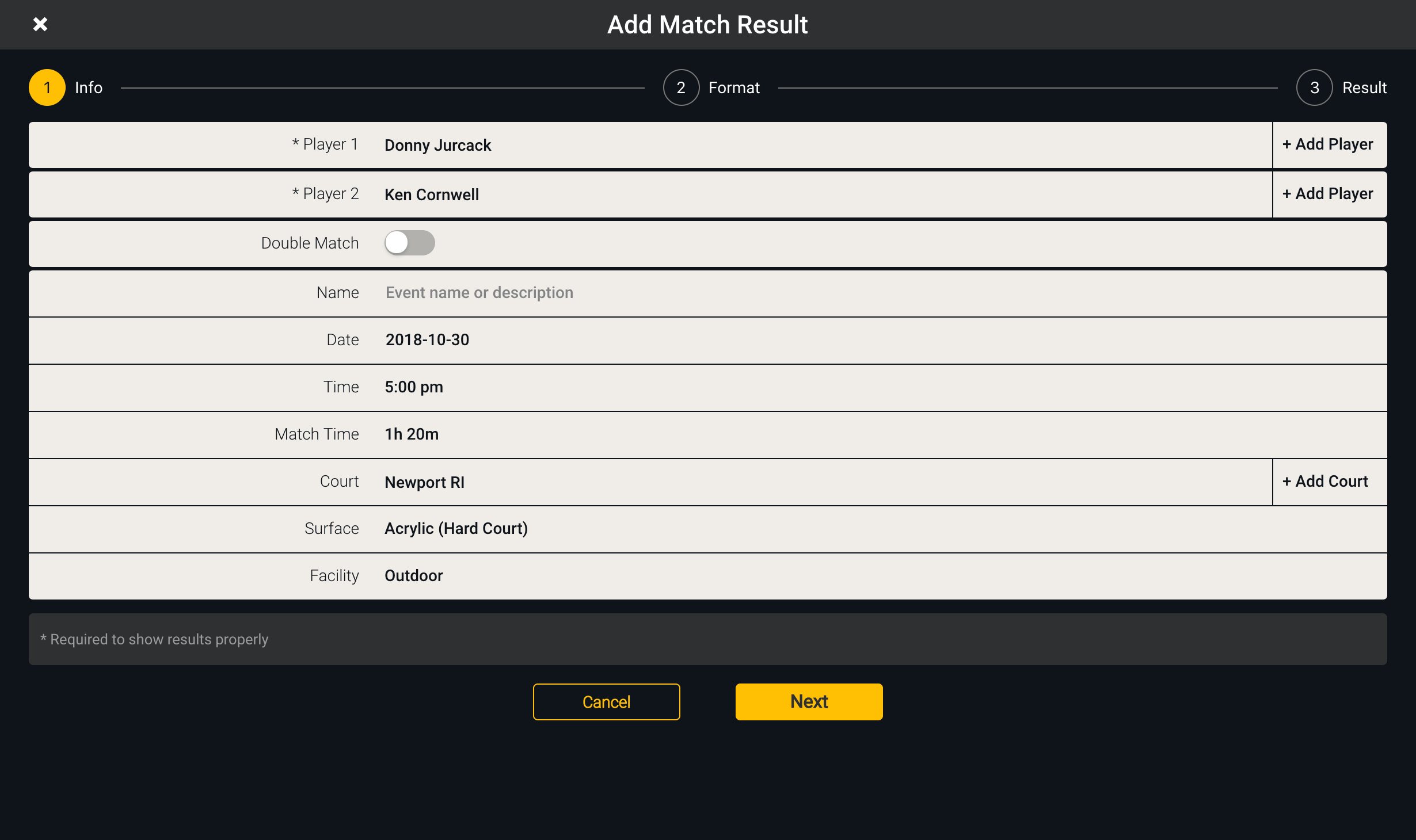
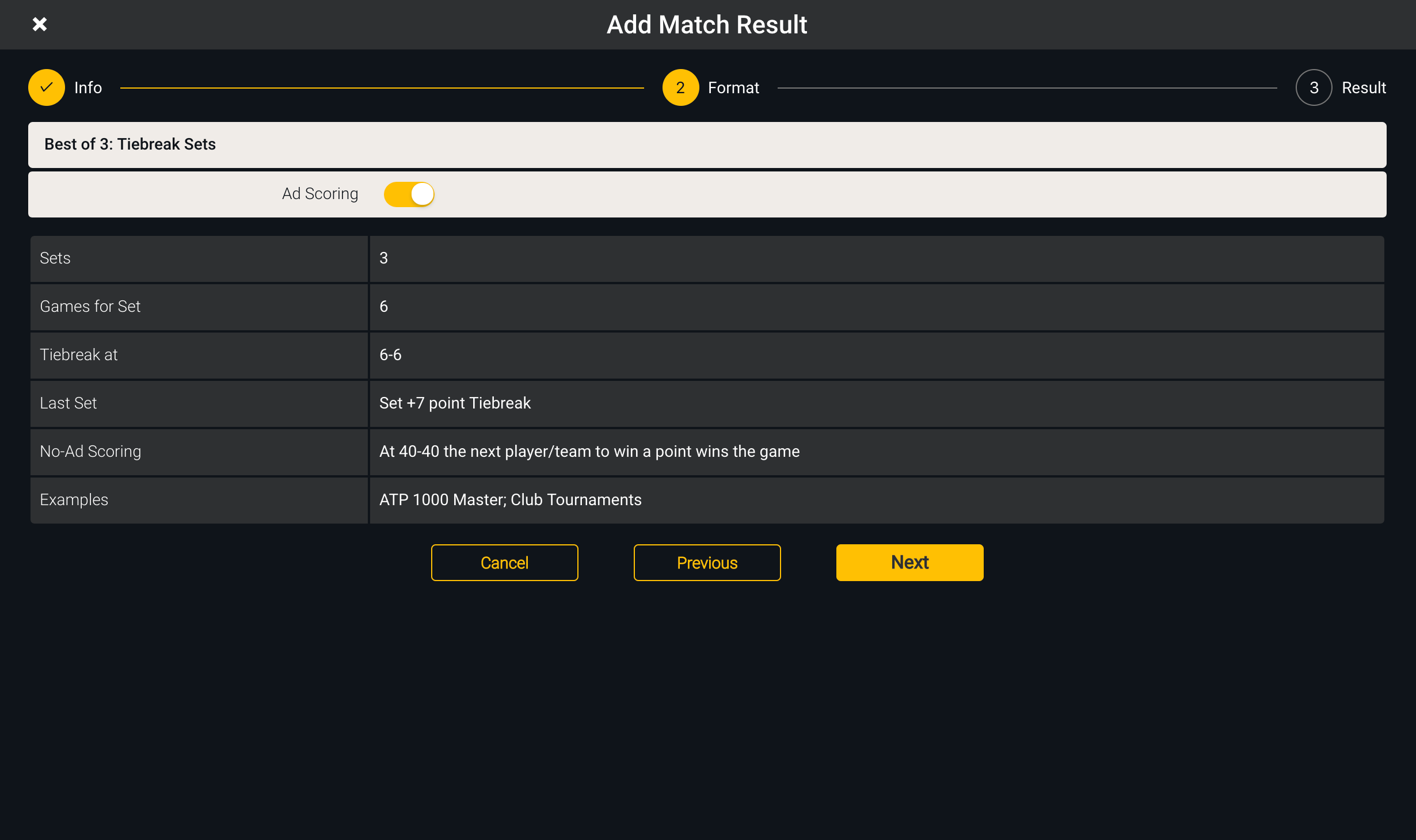
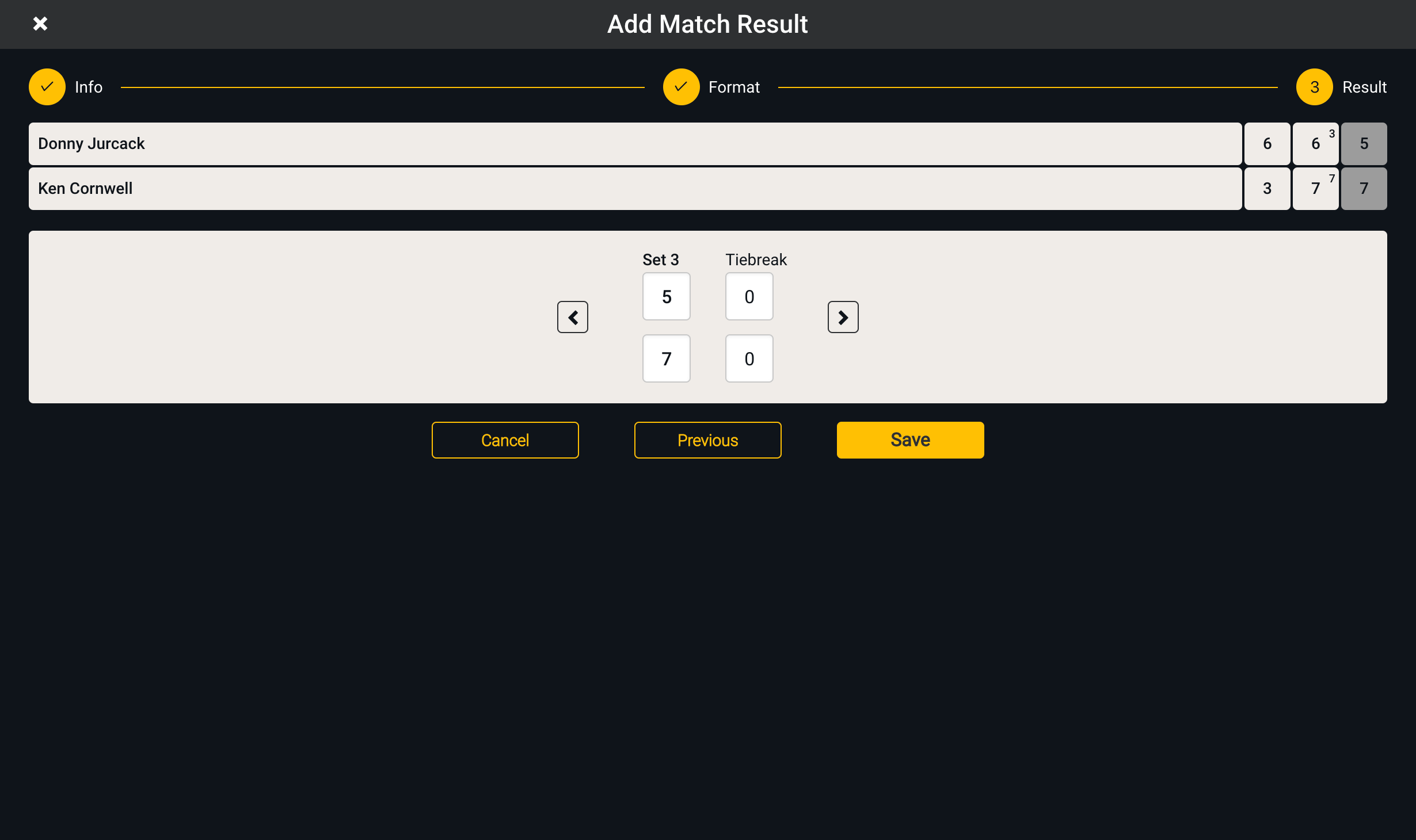
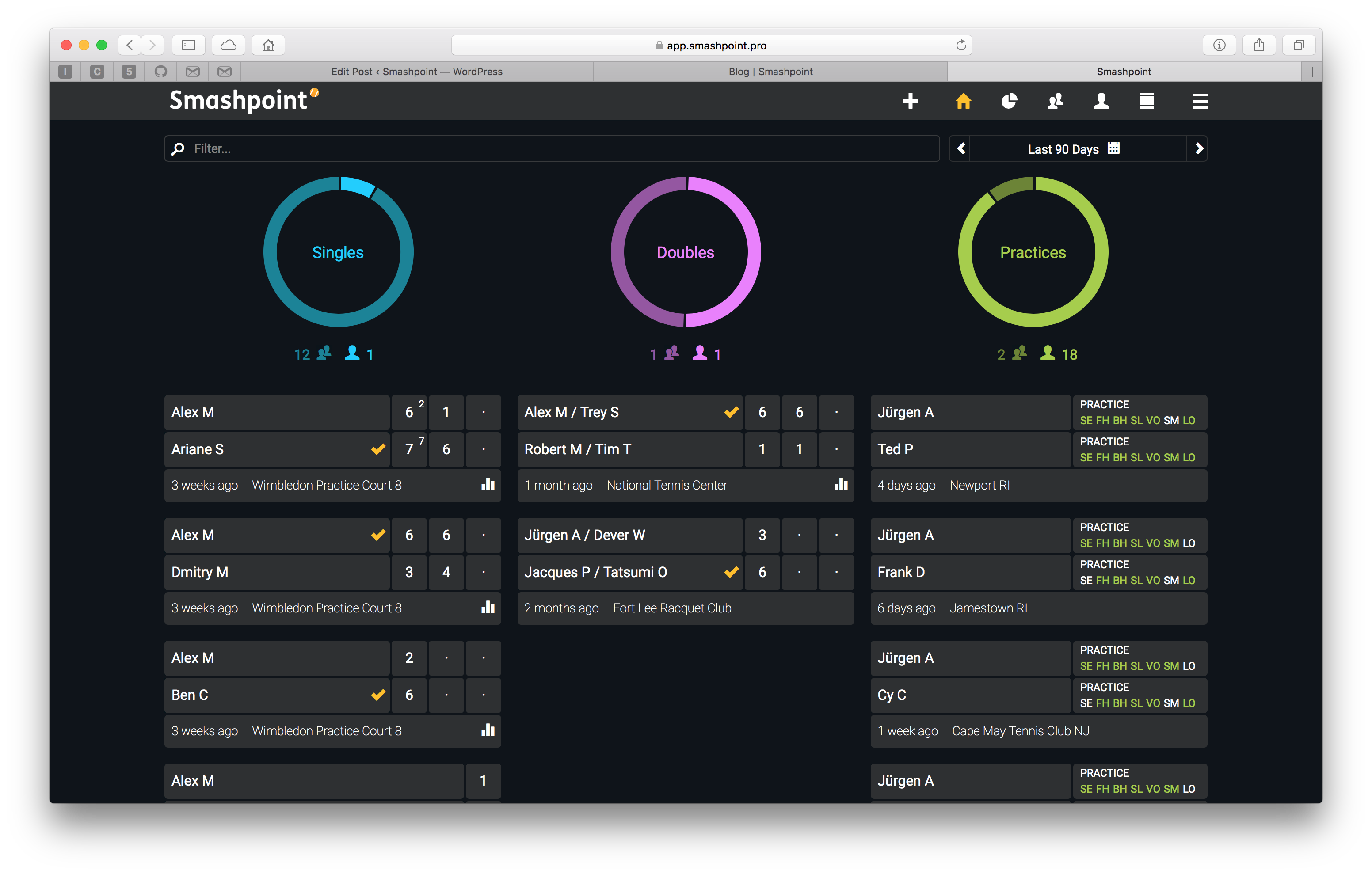 New York, NY [June 2018] – We are very excited to announce that our web app is in public beta now. All existing Smashpoint users can